Screen Sharing Without
Security Risks
More than Screen Sharing. Rednote Mirror delivers smooth remote collaboration with remote access, and enterprise-grade privacy controls.
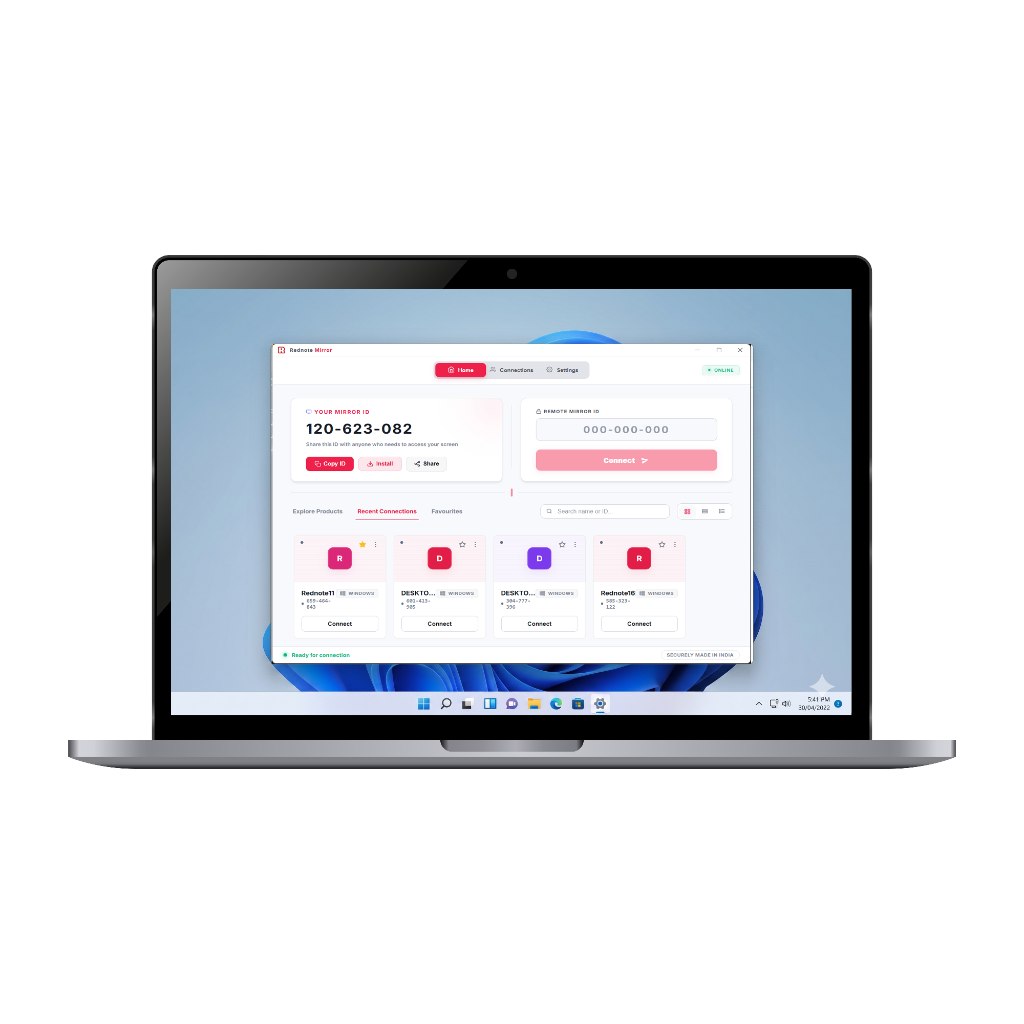
Awaiting host approval...
End-to-end P2P session
Everything You Need for Secure Remote Access
To collaborate remotely, with the privacy controls enterprises demand.
Secure Remote Collaboration
Collaborate with teams and clients securely from anywhere in real-time.


Selected Window Sharing
Share only the required application window instead of the entire screen.
Permission-Based Access
Control who can view, record, or interact during sessions.
Enterprise Security Controls
Manage permissions and access with business-focused security settings.
Native Clipboard Sync
Seamlessly copy and paste text, files, and images between your local and remote machines.
Low Latency Streaming
Experience smooth and responsive screen sharing with optimized performance.
Real-Time Session Monitoring
Track active participants and session activities instantly.
File Transfer
Transfer files quickly and securely with a dedicated drag-and-drop file manager.
In-Session Chat
Communicate directly with remote users via an integrated, encrypted chat window.
Unattended Access
Securely connect to remote devices anytime without requiring user presence.
Instant Screenshot Capture
Instantly capture the remote screen with automatic transparent host notifications.
Screen Recording with Approval
Enable controlled screen recording access whenever required by authorized users.
Multi-User Collaboration
Support seamless communication and collaboration between multiple users.
Why Rednote Mirror Instead of
Traditional Screen Sharing Tools?
Privacy and security features that traditional tools simply don't offer.
Explore Our Products
One technology partner for all your business software needs.
Ready to Experience
Secure Screen Sharing?
Protect confidential business information with Rednote Mirror's privacy-focused collaboration platform.
Rednote Mirror v1.1.0 · Windows · macOS · Linux · Android · Free Forever